
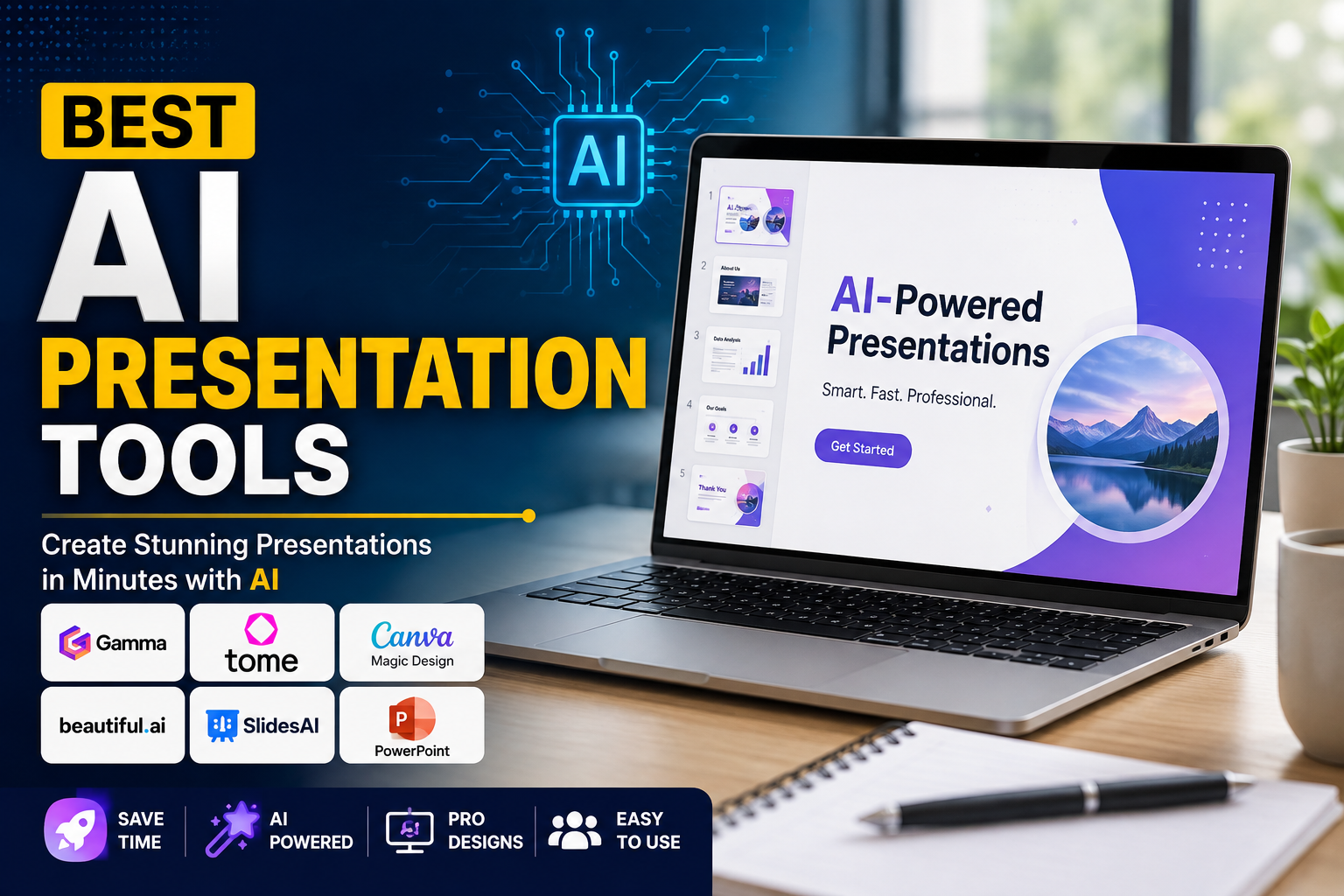
Create Stunning Presentations Faster with AI
Creating professional presentations no longer requires hours of manual work. Thanks to artificial intelligence (AI), anyone can design beautiful, engaging, and informative slides in just a few minutes. Whether you’re a student, teacher, marketer, business owner, or content creator, AI presentation tools can help you generate slide decks, improve designs, write content, and even create speaker notes automatically.
In this guide, we’ll explore the best AI presentation tools available in 2026, highlighting their key features, pros, cons, pricing, and ideal use cases.
Why Use AI Presentation Tools?
AI presentation tools save time by automating tasks like slide design, content generation, layout suggestions, and image creation. Instead of starting from a blank canvas, users can simply enter a topic or prompt, and AI generates a polished presentation within minutes.
Benefits of AI Presentation Tools
- Save hours of manual work
- Generate presentations instantly
- Professional slide designs
- AI-generated content
- Built-in templates
- Team collaboration
- Easy editing
- Export to PowerPoint or PDF
1. Gamma
Overview
Gamma is one of the most popular AI-powered presentation tools. It creates complete presentations from a simple text prompt while offering modern, interactive layouts.
Key Features
- AI presentation generation
- Interactive pages
- Beautiful templates
- Collaboration features
- Image generation
- Analytics support
Pros
- Extremely easy to use
- Modern designs
- Fast content generation
- Great collaboration tools
Cons
- Limited free plan
- Advanced features require a paid subscription
Best For
Business presentations, startups, educators, and marketing teams.
2. Tome AI
Overview
Tome AI helps users create compelling presentations using storytelling powered by artificial intelligence.
Key Features
- AI-generated presentations
- Smart writing assistant
- AI image generation
- Interactive storytelling
- Multimedia support
Pros
- Beautiful layouts
- Excellent storytelling
- Easy customization
Cons
- Internet connection required
- Some features are premium
Best For
Sales pitches, proposals, and creative presentations.
3. Canva Magic Design
Overview
Canva’s AI-powered Magic Design feature allows users to create professional presentations using ready-made templates and AI-generated suggestions.
Key Features
- Drag-and-drop editor
- AI design suggestions
- Large template library
- Stock images
- Team collaboration
Pros
- Beginner-friendly
- Huge design collection
- Multiple export formats
Cons
- Premium templates require Canva Pro
Best For
Students, teachers, freelancers, and social media professionals.
4. Beautiful.ai
Overview
Beautiful.ai automatically adjusts slide layouts while users add content, ensuring every presentation looks professional.
Key Features
- Smart slide formatting
- AI-powered layouts
- Team collaboration
- Presentation analytics
- Brand management
Pros
- Consistent design
- Saves time
- Professional appearance
Cons
- Limited free features
Best For
Corporate teams and business professionals.
5. Microsoft PowerPoint Copilot
Overview
Microsoft Copilot integrates AI directly into PowerPoint, allowing users to generate presentations from documents, prompts, or notes.
Key Features
- AI slide generation
- Document-to-presentation conversion
- Smart design suggestions
- Speaker notes
- Microsoft 365 integration
Pros
- Familiar interface
- Excellent productivity
- Works within Microsoft ecosystem
Cons
- Requires Microsoft 365 subscription
Best For
Office professionals and enterprises.
6. SlidesAI
Overview
SlidesAI converts text into complete presentations directly inside Google Slides.
Key Features
- AI content generation
- Google Slides integration
- Automatic formatting
- Multiple languages
- Custom themes
Pros
- Quick workflow
- Easy to edit
- Affordable pricing
Cons
- Requires Google account
Best For
Teachers, students, and remote teams.
Comparison Table
| Tool | Free Plan | AI Content | Templates | Best For |
|---|---|---|---|---|
| Gamma | ✅ | ✅ | Excellent | Business |
| Tome AI | ✅ | ✅ | Excellent | Storytelling |
| Canva | ✅ | ✅ | Huge Library | Beginners |
| Beautiful.ai | Limited | ✅ | Professional | Corporate |
| PowerPoint Copilot | No | ✅ | Excellent | Microsoft Users |
| SlidesAI | ✅ | ✅ | Good | Google Workspace |
How to Choose the Right AI Presentation Tool
When selecting an AI presentation tool, consider:
- Ease of use
- AI writing quality
- Design templates
- Collaboration features
- Export options
- Pricing
- Integration with other apps
- Customer support
Choose a tool that matches your workflow and presentation needs.
Tips for Creating Better AI Presentations
Even with AI, following best practices will improve your presentations.
- Keep slides simple.
- Use high-quality visuals.
- Avoid too much text.
- Maintain consistent branding.
- Use charts where possible.
- Add speaker notes.
- Review AI-generated content before presenting.
Advantages of AI Presentation Software
AI presentation tools offer several long-term benefits:
- Faster content creation
- Improved productivity
- Professional-quality designs
- Better collaboration
- Reduced design costs
- Consistent branding
- Easy updates
- Increased creativity
Are AI Presentation Tools Worth It?
Absolutely. AI presentation software has transformed how professionals create slides. Instead of spending hours formatting layouts and writing content, users can focus on delivering impactful presentations while AI handles the repetitive tasks.
Whether you’re preparing a business proposal, educational lecture, sales pitch, or client report, these tools can significantly improve both speed and quality.
Final Thoughts
AI presentation tools are changing the future of content creation by making professional presentations accessible to everyone. From Gamma and Tome AI to Canva Magic Design and Microsoft PowerPoint Copilot, each platform offers unique features for different users.
If you’re looking for speed, creativity, and polished results, investing in an AI presentation tool is a smart decision. Explore the options listed above and choose the one that best fits your workflow.
Frequently Asked Questions (FAQs)
Which is the best AI presentation tool?
Gamma and Tome AI are among the best choices for generating presentations quickly with modern designs.
Are AI presentation tools free?
Many tools offer free plans with limited features, while advanced capabilities are available through paid subscriptions.
Can AI create an entire presentation?
Yes. Most modern AI presentation tools can generate complete slide decks from a text prompt, outline, or document.
Which AI presentation tool works with Google Slides?
SlidesAI integrates directly with Google Slides, making it easy to generate presentations without leaving your workspace.