
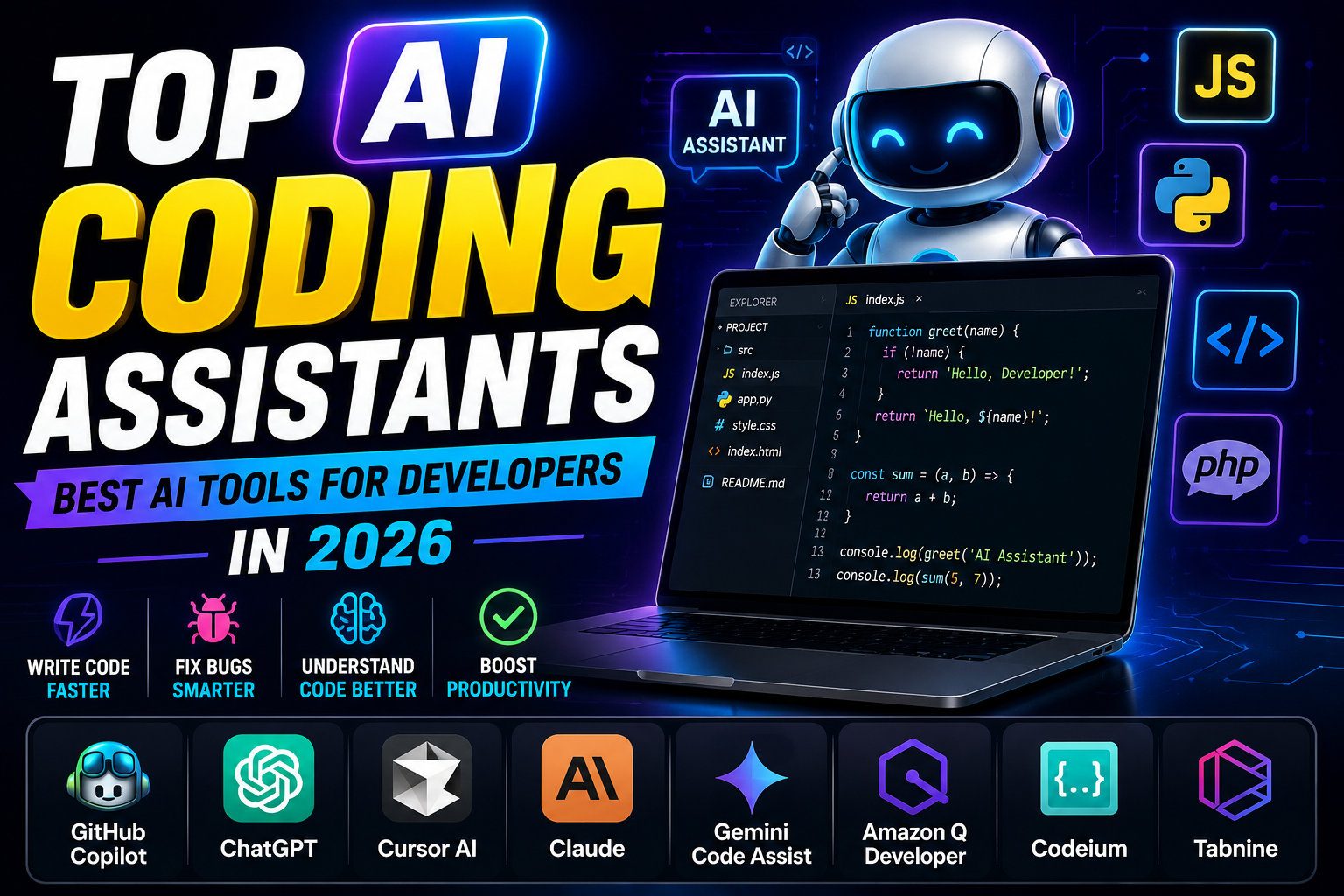
Artificial Intelligence (AI) has transformed software development by making coding faster, smarter, and more efficient. Modern AI coding assistants help developers write code, detect bugs, generate documentation, and even explain complex programming concepts. Whether you are a beginner learning to code or an experienced software engineer, AI coding tools can significantly improve your productivity.
In this article, we will explore the top AI coding assistants in 2026, their key features, advantages, and how to choose the best AI coding tool for your development workflow.
What Are AI Coding Assistants?
AI coding assistants are intelligent software tools powered by artificial intelligence and machine learning. They analyze your code, understand context, and provide real-time suggestions while you write.
These tools can:
- Generate code from text prompts
- Auto-complete code
- Detect and fix errors
- Explain complex code
- Write documentation
- Optimize performance
- Refactor existing code
- Generate test cases
AI coding assistants save time and help developers build applications more efficiently.
Benefits of AI Coding Assistants
Using AI coding tools offers several advantages:
- Faster coding
- Fewer programming errors
- Better code quality
- Automatic code completion
- Improved productivity
- Easy debugging
- Learning support for beginners
- Support for multiple programming languages
Top AI Coding Assistants in 2026
1. GitHub Copilot
GitHub Copilot is one of the most popular AI coding assistants developed by GitHub and OpenAI. It provides intelligent code suggestions directly inside your code editor.
Key Features
- Real-time code completion
- Function generation
- Code explanation
- Supports multiple languages
- VS Code integration
- GitHub integration
Best For
Professional developers and software teams.
2. ChatGPT
ChatGPT has become an essential tool for programmers. It can generate code, explain programming concepts, fix bugs, and help build complete applications.
Key Features
- Code generation
- Bug fixing
- Code explanation
- SQL query generation
- API integration help
- Supports almost every programming language
Best For
Students, freelancers, and professional developers.
3. Cursor AI
Cursor AI is a modern AI-powered code editor designed specifically for developers. It understands your entire project and helps write high-quality code quickly.
Key Features
- AI-powered code editor
- Project-wide understanding
- Smart autocomplete
- Bug detection
- Natural language coding
Best For
Large software projects and professional development.
4. Claude
Claude is an advanced AI assistant that excels at understanding large codebases and explaining complex programming logic.
Key Features
- Code analysis
- Debugging assistance
- Documentation generation
- Secure coding support
- Long context understanding
Best For
Enterprise software development.
5. Google Gemini Code Assist
Google Gemini Code Assist helps developers write, optimize, and debug code efficiently across multiple programming languages.
Key Features
- AI code suggestions
- Google Cloud integration
- Security recommendations
- Fast debugging
- Multiple language support
Best For
Cloud developers and Google ecosystem users.
6. Amazon Q Developer
Amazon Q is an AI-powered coding assistant designed for AWS developers.
Key Features
- AWS integration
- Code generation
- Security scanning
- Infrastructure automation
- Documentation support
Best For
Cloud engineers and DevOps professionals.
7. Codeium
Codeium is a fast-growing AI coding assistant offering many premium features for free.
Key Features
- Unlimited code completion
- AI chat
- Code search
- Fast suggestions
- IDE support
Best For
Students, beginners, and independent developers.
8. Tabnine
Tabnine uses AI to provide intelligent code completions while maintaining developer privacy.
Key Features
- AI autocomplete
- Team collaboration
- Private deployment
- Secure coding
- Multiple IDE support
Best For
Businesses and enterprise teams.
Programming Languages Supported
Most AI coding assistants support popular programming languages, including:
- Python
- PHP
- JavaScript
- TypeScript
- HTML
- CSS
- Java
- C++
- C#
- Go
- Ruby
- Swift
- Kotlin
- SQL
This makes AI coding tools suitable for web development, mobile app development, backend systems, and data science projects.
How to Choose the Best AI Coding Assistant
When selecting an AI coding tool, consider these factors:
- Programming language support
- IDE compatibility
- Accuracy of suggestions
- Debugging capabilities
- Documentation generation
- Security features
- Pricing
- Team collaboration options
Choose the tool that best fits your workflow and project requirements.
Free vs Paid AI Coding Tools
Free AI coding assistants are ideal for beginners but may have usage limits or fewer advanced features.
Paid versions typically offer:
- Faster AI responses
- Better code accuracy
- Unlimited usage
- Team collaboration
- Advanced debugging
- Premium support
- Enterprise security
If you code daily, a premium plan can significantly improve productivity.
Why Developers Use AI Coding Assistants
Developers rely on AI coding assistants because they help reduce repetitive work and improve code quality.
Common use cases include:
- Building web applications
- Creating APIs
- Fixing bugs
- Writing SQL queries
- Learning new programming languages
- Code reviews
- Documentation writing
- Software testing
Final Thoughts
AI coding assistants have become an essential part of modern software development. They help developers write better code, reduce errors, and complete projects much faster.
Whether you choose GitHub Copilot, ChatGPT, Cursor AI, Claude, Google Gemini Code Assist, Amazon Q, Codeium, or Tabnine, each tool offers powerful features that can improve your coding experience.
As AI technology continues to evolve, coding assistants will become even smarter, making software development faster, more accurate, and more accessible for everyone.