
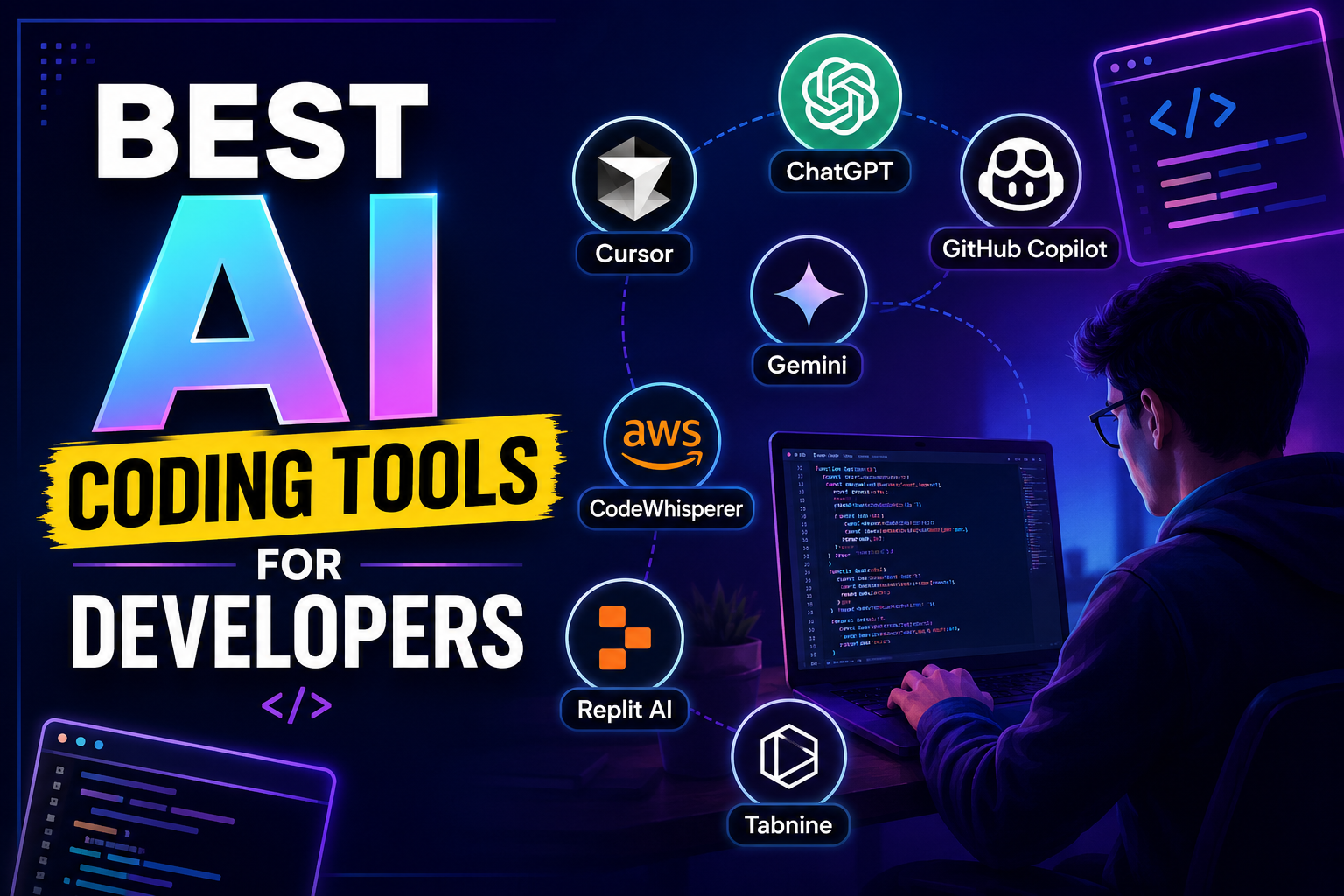
Artificial Intelligence (AI) is transforming the way developers write, test, and maintain software. Modern AI coding tools can generate code, explain complex functions, detect bugs, create documentation, and even help developers learn new programming languages. Whether you’re a beginner or an experienced software engineer, using AI can significantly improve your productivity.
In this guide, we’ll explore the best AI coding tools for developers in 2026, their key features, advantages, and how to choose the right one for your workflow.
Why Developers Are Using AI Coding Tools
AI-powered coding assistants save time by automating repetitive tasks and improving code quality. Instead of spending hours debugging or searching documentation, developers can get intelligent suggestions in seconds.
Some major benefits include:
- Faster code generation
- Automatic bug detection
- Code optimization suggestions
- Better documentation
- Improved productivity
- Support for multiple programming languages
- Easier learning for beginners
Best AI Coding Tools for Developers
1. ChatGPT
ChatGPT is one of the most popular AI assistants for developers. It can generate code, explain programming concepts, debug errors, optimize existing code, and create documentation.
Key Features
- Generates code in multiple languages
- Explains difficult algorithms
- Debugs programming errors
- Creates SQL queries
- Writes API documentation
- Supports Python, PHP, JavaScript, Java, C++, C#, and more
Best For
- Students
- Freelancers
- Professional developers
- Software engineers
2. GitHub Copilot
GitHub Copilot is an AI-powered coding assistant that integrates directly with Visual Studio Code and other popular IDEs.
Key Features
- Real-time code completion
- Function generation
- Smart code suggestions
- Multiple language support
- Learns from project context
Best For
- Daily coding
- Backend development
- Frontend projects
- Enterprise software
3. Cursor AI
Cursor AI is a modern AI-powered code editor designed specifically for developers.
Key Features
- AI code editing
- Natural language coding
- Bug fixing
- Project understanding
- Smart refactoring
Best For
- Large development projects
- Professional developers
- AI-assisted programming
4. Claude AI
Claude AI is known for understanding large codebases and providing detailed programming explanations.
Key Features
- Long-context understanding
- Code reviews
- Bug explanations
- Documentation writing
- Architecture guidance
Best For
- Large software projects
- Team collaboration
- Learning complex systems
5. Google Gemini
Google Gemini provides intelligent coding assistance with support for many programming languages.
Key Features
- Code generation
- Error fixing
- Documentation support
- API integration help
- Programming explanations
Best For
- Web development
- Android development
- Cloud projects
6. Amazon CodeWhisperer
Amazon CodeWhisperer helps developers write secure and efficient code.
Key Features
- AI code suggestions
- Security scanning
- AWS integration
- Multiple language support
Best For
- Cloud developers
- AWS projects
- Enterprise applications
7. Replit AI
Replit AI helps developers code directly in the browser.
Key Features
- Browser-based coding
- AI code completion
- Instant deployment
- Learning support
Best For
- Beginners
- Students
- Quick prototypes
8. Tabnine
Tabnine is an AI coding assistant focused on improving developer productivity.
Key Features
- Smart autocomplete
- Team collaboration
- Privacy-focused AI
- Local deployment options
Best For
- Development teams
- Business applications
- Secure environments
Features to Look for in an AI Coding Tool
Before choosing an AI programming assistant, consider the following features:
- Support for multiple programming languages
- Fast code generation
- Debugging capabilities
- Code optimization
- IDE integration
- Security features
- Documentation generation
- Collaboration support
- Affordable pricing
Benefits of AI Coding Tools
Using AI coding assistants offers several advantages:
Faster Development
Developers can generate boilerplate code within seconds.
Better Code Quality
AI identifies common coding mistakes and suggests improvements.
Reduced Debugging Time
Many AI tools detect bugs before deployment.
Improved Learning
Beginners can understand programming concepts more quickly with AI-generated explanations.
Higher Productivity
Developers spend less time on repetitive tasks and more time building features.
How to Choose the Right AI Coding Tool
Different developers have different needs.
Choose ChatGPT if you need coding help, debugging, explanations, and documentation.
Choose GitHub Copilot if you want real-time code suggestions inside your editor.
Choose Cursor AI if you need an AI-first development environment.
Choose Claude AI for understanding large codebases and detailed technical explanations.
Choose Amazon CodeWhisperer if you build AWS-based applications.
Choose Replit AI if you prefer browser-based coding.
AI Coding Tools vs Traditional Coding
| Feature | AI Coding Tools | Traditional Coding |
|---|---|---|
| Speed | Very Fast | Manual |
| Code Suggestions | Yes | No |
| Bug Detection | Automatic | Manual |
| Documentation | AI Generated | Manual |
| Productivity | High | Moderate |
| Learning Support | Excellent | Limited |
Tips for Using AI Coding Tools Effectively
- Always review AI-generated code.
- Test your code before deployment.
- Learn the programming concepts instead of relying entirely on AI.
- Keep libraries and frameworks updated.
- Use AI as a productivity assistant rather than a complete replacement for human expertise.
Frequently Asked Questions (FAQs)
What is the best AI coding tool for developers?
ChatGPT, GitHub Copilot, Cursor AI, and Claude AI are among the best AI coding tools available in 2026.
Are AI coding tools free?
Many AI coding tools offer free plans with limited features, while premium subscriptions provide advanced capabilities.
Can AI write complete applications?
AI can generate significant portions of an application, but developers should review, test, and refine the code before production use.
Which AI tool is best for beginners?
ChatGPT and Replit AI are excellent choices for beginners because they provide explanations alongside code generation.
Do AI coding tools replace developers?
No. AI tools enhance developer productivity by assisting with coding, debugging, and documentation, but human expertise remains essential for architecture, design, and decision-making.
Final Thoughts
AI coding tools have become an essential part of modern software development. They help developers write cleaner code, fix bugs faster, and improve overall productivity. Whether you’re a student learning programming or a professional building enterprise applications, the right AI coding assistant can save time and improve the quality of your work.
By selecting a tool that matches your workflow and combining AI assistance with your programming knowledge, you can develop software more efficiently and stay competitive in the rapidly evolving technology landscape.