
Introduction
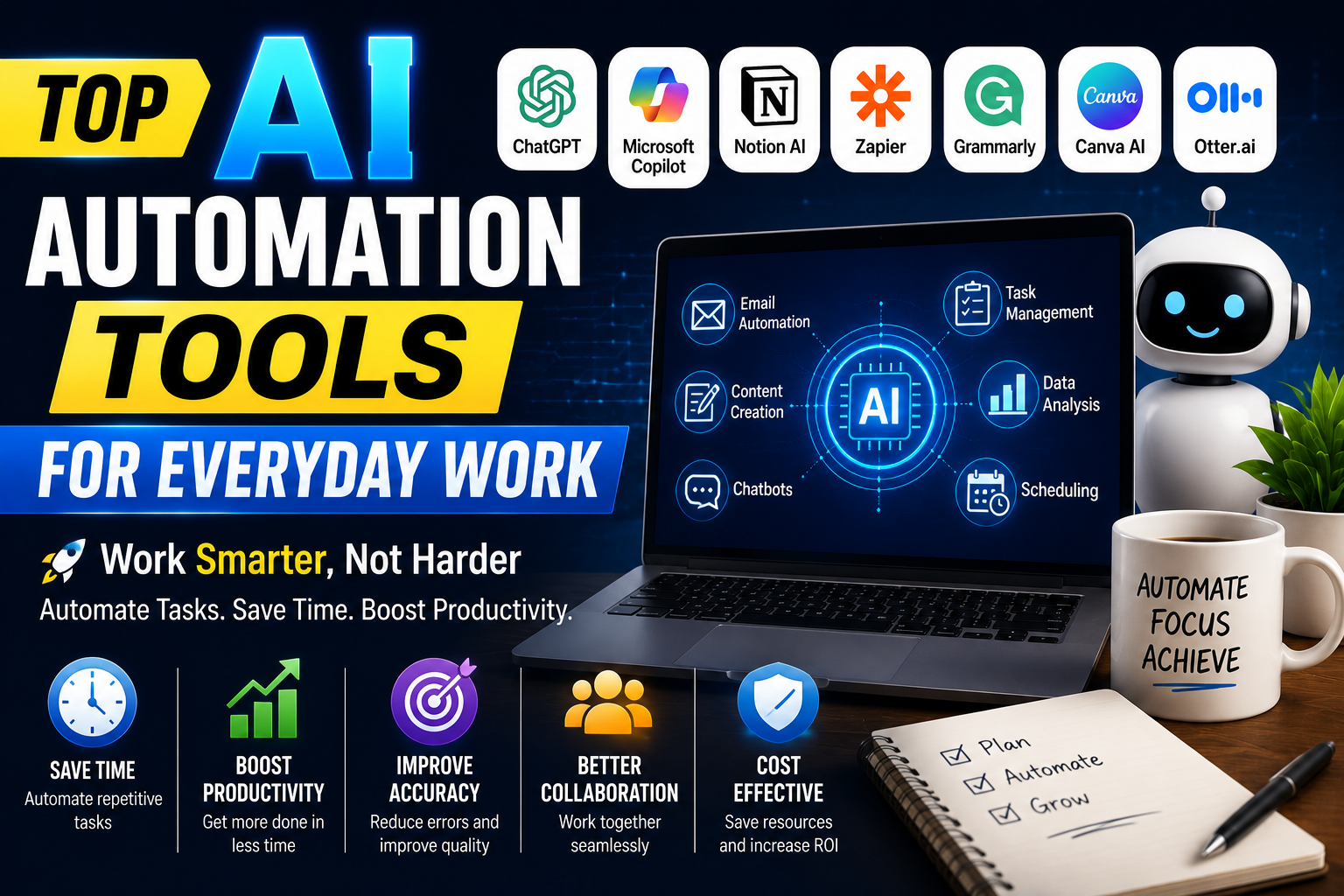
Artificial Intelligence (AI) has transformed the way people work by making everyday tasks faster, smarter, and more efficient. Whether you are a freelancer, business owner, student, marketer, developer, or office employee, AI automation tools can help you complete repetitive tasks with minimal effort. Instead of spending hours on manual work, professionals can use AI-powered software to automate emails, manage projects, organize files, generate content, and improve communication.
As businesses continue to embrace digital transformation, AI automation tools have become an essential part of daily workflows. These tools not only increase productivity but also reduce human errors, save time, and allow users to focus on more valuable work.
In this guide, we’ll explore the top AI automation tools for everyday work, their features, benefits, and how they can improve your personal and professional productivity.
What Are AI Automation Tools?
AI automation tools are software applications that use artificial intelligence and machine learning to automate repetitive tasks. They analyze data, make intelligent decisions, and perform actions without constant human intervention.
From scheduling meetings to creating reports and managing workflows, AI automation simplifies complex processes and helps users work more efficiently.
Why AI Automation Is Important
Modern workplaces require speed, accuracy, and efficiency. AI automation helps professionals save time while improving the quality of their work.
Key Benefits
- Save time on repetitive tasks
- Improve workplace productivity
- Reduce manual errors
- Enhance collaboration
- Increase workflow efficiency
- Improve customer service
- Better time management
- Lower operational costs
AI automation enables individuals and businesses to achieve more in less time.
1. ChatGPT
ChatGPT is one of the most popular AI tools for automating writing, brainstorming, coding assistance, and research.
Features
- Content creation
- Email writing
- Code generation
- Document summarization
- Brainstorming ideas
- Customer support assistance
Best For
- Writers
- Students
- Developers
- Marketers
- Business professionals
ChatGPT helps users complete writing and communication tasks quickly while maintaining high-quality results.
2. Microsoft Copilot
Microsoft Copilot integrates with Microsoft Word, Excel, PowerPoint, Outlook, and Teams to automate everyday office work.
Features
- AI document writing
- Spreadsheet analysis
- Presentation generation
- Email drafting
- Meeting summaries
Professionals using Microsoft 365 can significantly improve productivity with AI-powered assistance.
3. Notion AI
Notion AI combines note-taking, knowledge management, and project organization in one platform.
Benefits
- AI writing assistant
- Meeting notes
- Task planning
- Project management
- Team collaboration
It is an excellent choice for professionals managing multiple projects.
4. Zapier AI
Zapier automates workflows by connecting thousands of business applications.
Popular Automations
- Email notifications
- CRM updates
- Lead management
- File transfers
- Social media publishing
- Data synchronization
Businesses save hours every week by automating repetitive workflows.
5. Grammarly AI
Grammarly improves writing quality with AI-powered grammar, spelling, and tone suggestions.
Features
- Grammar correction
- Sentence rewriting
- Tone improvement
- Professional communication
- Email enhancement
It helps professionals create clear and polished business communication.
6. Canva AI
Canva AI simplifies graphic design by generating images, presentations, and marketing materials.
Benefits
- AI image generation
- Presentation creation
- Social media graphics
- Marketing templates
- Brand design
Even users without design experience can create professional-quality visuals.
7. Otter.ai
Otter.ai automatically records, transcribes, and summarizes meetings.
Features
- Live transcription
- AI meeting summaries
- Speaker recognition
- Searchable notes
- Team collaboration
It eliminates the need for manual note-taking and improves meeting productivity.
8. Motion AI
Motion AI helps professionals manage schedules and prioritize tasks automatically.
Features
- Smart calendar management
- Task prioritization
- Automatic scheduling
- Deadline reminders
- Time optimization
This tool helps busy professionals organize their workday more effectively.
9. AI Email Automation Tools
AI-powered email assistants make communication faster and more efficient.
Common Uses
- Drafting emails
- Reply suggestions
- Email categorization
- Spam filtering
- Follow-up reminders
These features help users manage large inboxes with less effort.
10. AI Customer Support Automation
Businesses increasingly use AI chatbots to provide instant customer service.
Benefits
- 24/7 customer support
- Faster response times
- Reduced support costs
- Personalized assistance
- Improved customer satisfaction
AI-powered customer support enhances user experience while reducing the workload on support teams.
How to Choose the Best AI Automation Tool
Selecting the right AI tool depends on your workflow and business requirements.
Ease of Use
Choose software with a simple and user-friendly interface.
Integration
Ensure it works with your existing apps and services.
Automation Features
Look for tools that automate the tasks you perform most often.
Security
Protect sensitive information with strong privacy and security features.
Pricing
Compare free and premium plans to find the best value for your budget.
Best Practices for Using AI Automation
To maximize productivity:
- Automate repetitive tasks first.
- Review AI-generated content before publishing.
- Keep your software updated.
- Train your team to use AI tools effectively.
- Protect confidential business data.
- Combine multiple AI tools for a seamless workflow.
Benefits of AI Automation for Everyday Work
Businesses and professionals enjoy several long-term advantages.
Increased Productivity
AI completes routine tasks quickly, allowing users to focus on strategic work.
Better Accuracy
Automation reduces human error in writing, reporting, and data management.
Time Savings
Professionals can save several hours each week by automating repetitive activities.
Improved Collaboration
AI tools improve communication, document sharing, and project coordination.
Business Growth
Organizations can scale operations more efficiently without increasing manual workload.
Frequently Asked Questions
What are AI automation tools?
AI automation tools use artificial intelligence to automate repetitive tasks, improve efficiency, and simplify daily workflows.
Which AI automation tool is best?
Popular choices include ChatGPT, Microsoft Copilot, Notion AI, Zapier, Grammarly, Canva AI, Otter.ai, and Motion AI. The best option depends on your needs and workflow.
Are AI automation tools suitable for small businesses?
Yes. Many AI tools offer affordable plans and help small businesses save time, reduce costs, and improve productivity.
Can AI automation replace human workers?
AI is designed to assist people by automating repetitive tasks. Human creativity, critical thinking, and decision-making remain essential for most professional roles.
Conclusion
AI automation tools are revolutionizing the way professionals work by simplifying daily tasks, improving efficiency, and reducing manual effort. Whether you need help with writing, scheduling, project management, design, communication, or workflow automation, the right AI tool can significantly enhance your productivity.
By integrating AI automation into your everyday work, you can save time, improve accuracy, and focus on high-value activities that drive personal and business success. As AI technology continues to evolve, adopting these tools today will help you stay competitive and productive in the future.