
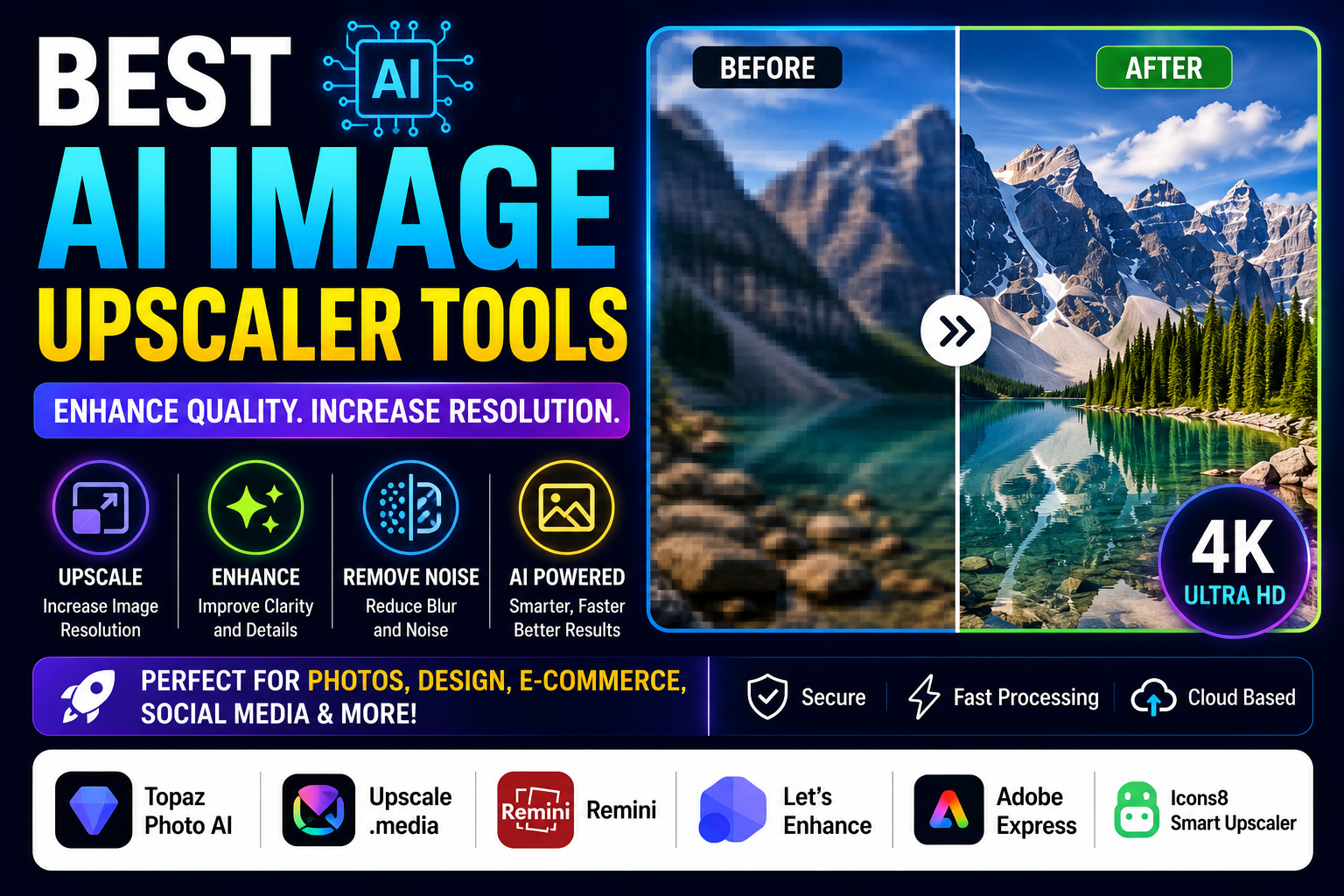
Enhance Image Quality with the Best AI Image Upscaler Tools
High-quality images are essential for businesses, designers, photographers, marketers, and content creators. However, low-resolution images often appear blurry or pixelated when enlarged. AI image upscaler tools solve this problem by using artificial intelligence to increase image resolution while preserving sharpness and fine details.
Whether you’re restoring old photos, improving product images, or creating professional marketing materials, AI image upscalers can significantly enhance image quality with just a few clicks.
In this guide, we’ll explore the Best AI Image Upscaler Tools in 2026, compare their features, pricing, pros, cons, and ideal use cases.
What Are AI Image Upscaler Tools?
AI image upscaler tools use machine learning and deep learning algorithms to enlarge images intelligently. Instead of simply stretching pixels, these tools analyze image content and generate new details to create sharper, clearer, and higher-resolution results.
They are commonly used for:
- Photo enhancement
- E-commerce product images
- Social media graphics
- Graphic design
- Printing
- Marketing materials
- Old photo restoration
- Digital artwork
Why Use AI Image Upscaler Tools?
Traditional image resizing often reduces quality. AI-powered upscalers maintain sharpness while improving overall image resolution.
Benefits
- Increase image resolution
- Remove blur
- Improve sharpness
- Restore old photos
- Enhance product images
- Save editing time
- Professional-quality results
- Easy-to-use interface
1. Topaz Photo AI
Overview
Topaz Photo AI is one of the most advanced AI image enhancement tools, offering image upscaling, noise reduction, and sharpening in one application.
Key Features
- AI image upscaling
- Noise reduction
- Image sharpening
- Face enhancement
- Batch processing
Pros
- Exceptional image quality
- Professional features
- Fast processing
Cons
- Paid software
Best For
Photographers and graphic designers.
2. Upscale.media
Overview
Upscale.media is an online AI tool that enlarges images while preserving quality.
Key Features
- One-click upscaling
- Background enhancement
- Supports multiple formats
- Fast cloud processing
- Mobile app
Pros
- Beginner-friendly
- Quick results
- No software installation
Cons
- Limited free credits
Best For
Small businesses and content creators.
3. Remini
Overview
Remini specializes in enhancing portraits, restoring old photographs, and improving facial details using AI.
Key Features
- Face enhancement
- Photo restoration
- Image sharpening
- AI portrait improvement
- Mobile support
Pros
- Excellent facial enhancement
- Easy to use
- Great mobile app
Cons
- Advertisements in the free version
Best For
Portrait photography and personal photos.
4. Let’s Enhance
Overview
Let’s Enhance uses AI to improve image quality, upscale resolution, and optimize photos for printing and e-commerce.
Key Features
- AI upscaling
- Color enhancement
- Image optimization
- Batch editing
- Print-ready output
Pros
- High-quality output
- Excellent for online stores
- Simple interface
Cons
- Free plan has limited exports
Best For
E-commerce businesses and designers.
5. Adobe Express AI Enhance
Overview
Adobe Express includes AI-powered image enhancement features for improving quality and preparing visuals for digital platforms.
Key Features
- AI enhancement
- Background editing
- Image resizing
- Social media templates
- Cloud storage
Pros
- Trusted Adobe ecosystem
- Easy editing
- Great for marketing
Cons
- Premium subscription required for advanced features
Best For
Marketing teams and social media creators.
6. Icons8 Smart Upscaler
Overview
Icons8 Smart Upscaler enlarges images while preserving fine details using advanced AI technology.
Key Features
- AI upscaling
- Portrait enhancement
- Batch processing
- High-resolution output
- Web-based platform
Pros
- Fast performance
- Good image quality
- Easy interface
Cons
- Limited free usage
Best For
Freelancers and digital creators.
Comparison Table
| Tool | Free Plan | AI Upscaling | Batch Processing | Best For |
|---|---|---|---|---|
| Topaz Photo AI | Trial | ✅ | ✅ | Professional Photography |
| Upscale.media | ✅ | ✅ | Limited | General Users |
| Remini | ✅ | ✅ | ❌ | Portraits |
| Let’s Enhance | Limited | ✅ | ✅ | E-commerce |
| Adobe Express | Trial | ✅ | Limited | Marketing |
| Icons8 Smart Upscaler | Limited | ✅ | ✅ | Designers |
How to Choose the Best AI Image Upscaler
Before selecting a tool, consider:
- Image quality
- Processing speed
- Maximum resolution
- Batch processing
- Ease of use
- Pricing
- Supported file formats
- Cloud storage options
Choose a tool that meets your editing needs and workflow.
Tips for Better AI Image Enhancement
- Use the highest-quality original image possible.
- Avoid over-sharpening.
- Compare different AI tools for the best results.
- Save images in high-quality formats.
- Use batch processing for multiple images.
- Review AI enhancements before publishing.
Advantages of AI Image Upscaler Tools
These tools provide several benefits:
- Professional image quality
- Faster editing
- Better print results
- Improved online visuals
- Enhanced social media graphics
- Time savings
- Increased productivity
- Better customer engagement
Who Should Use AI Image Upscaler Tools?
These tools are perfect for:
- Photographers
- Graphic designers
- Content creators
- Digital marketers
- E-commerce businesses
- Bloggers
- Social media managers
- Web designers
- Printing companies
- Creative agencies
Final Thoughts
AI image upscaler tools make it easy to improve image quality without advanced editing skills. Whether you’re restoring old photos, enhancing product images, or preparing visuals for marketing campaigns, these tools deliver impressive results in just a few clicks.
Platforms like Topaz Photo AI, Upscale.media, Remini, Let’s Enhance, Adobe Express, and Icons8 Smart Upscaler offer powerful AI features for different creative needs. Compare their capabilities and choose the one that best fits your workflow.
Frequently Asked Questions (FAQs)
What is the best AI image upscaler?
Topaz Photo AI is widely considered one of the best AI image upscalers because of its exceptional image enhancement and professional-grade results.
Are AI image upscaler tools free?
Many AI image upscalers offer free plans with limited usage, while premium versions provide higher resolutions and advanced features.
Can AI improve blurry images?
Yes. AI image enhancement tools can sharpen blurry images, reduce noise, and improve overall image quality.
Which AI image upscaler is best for e-commerce?
Let’s Enhance and Upscale.media are excellent choices for improving product images used in online stores.