
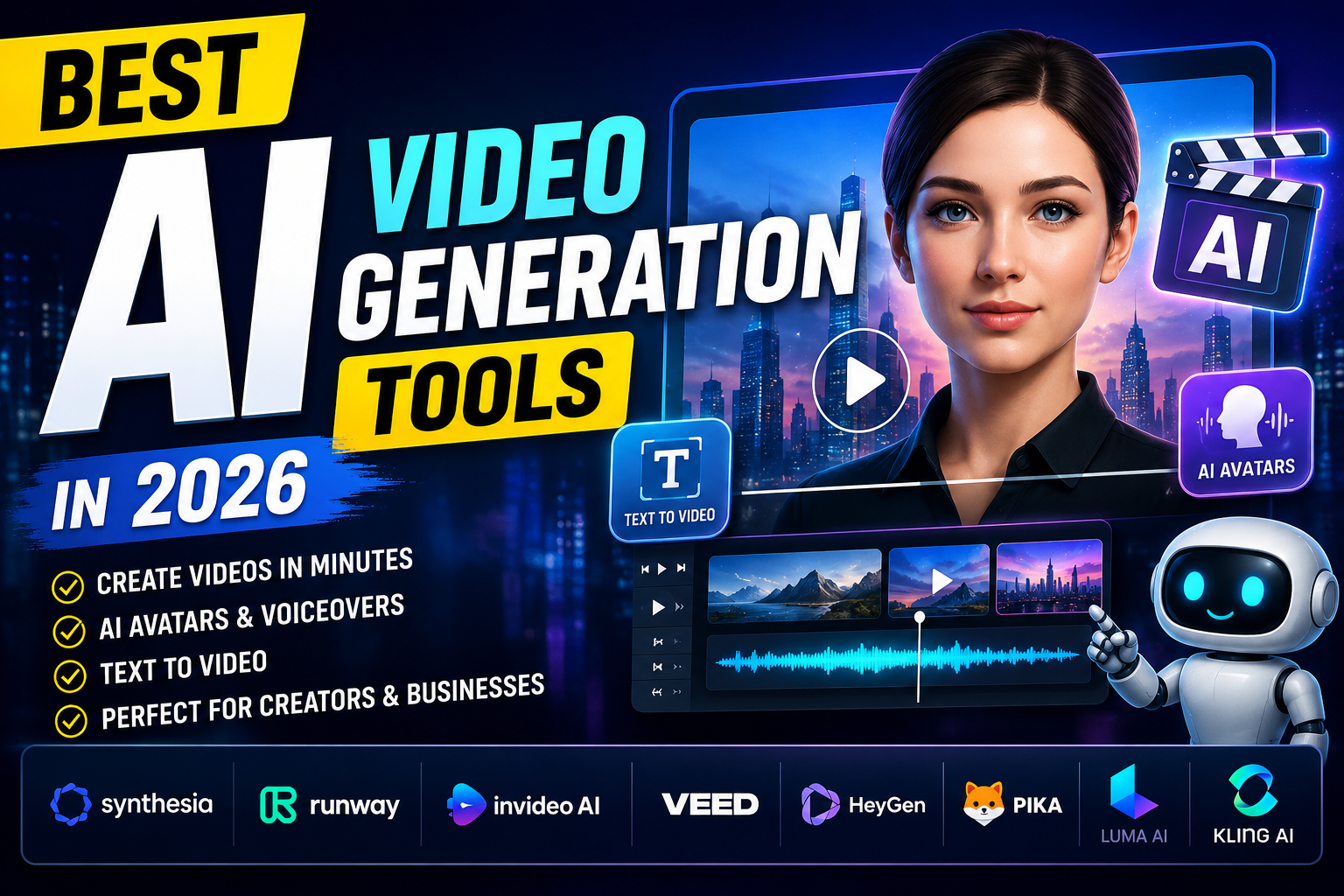
Best AI Video Generation Tools in 2026
Artificial Intelligence (AI) has transformed the way people create videos. Whether you are a content creator, YouTuber, marketer, educator, or business owner, AI video generation tools help you create professional-quality videos in minutes without advanced editing skills.
These tools can generate videos from text, create AI avatars, add realistic voiceovers, generate subtitles, and even produce cinematic scenes automatically. In this article, we will explore the best AI video generation tools in 2026, their features, advantages, and how to choose the right one for your needs.
What Are AI Video Generation Tools?
AI video generation tools are software platforms that use artificial intelligence to create videos automatically. Instead of spending hours editing footage manually, users simply provide text, images, or prompts, and the AI generates a complete video.
These tools are widely used for:
- YouTube videos
- Marketing advertisements
- Social media content
- Educational videos
- Product demonstrations
- Business presentations
- Training materials
Benefits of Using AI Video Tools
AI video generators provide several benefits, including:
- Save hours of editing time
- No professional editing skills required
- Create videos from simple text prompts
- AI voiceovers in multiple languages
- Automatic subtitles and captions
- Professional templates
- Faster content production
- Cost-effective for businesses
Best AI Video Generation Tools in 2026
1. Synthesia
Synthesia is one of the most popular AI video creation platforms. It allows users to create videos using realistic AI avatars that speak naturally.
Key Features
- AI avatars
- Text-to-video generation
- 140+ language support
- Professional business templates
- Screen recording support
Best For
Businesses, online courses, corporate training, and presentations.
2. Pika
Pika has become a favorite AI video generator for social media creators. It can generate high-quality animated videos from simple prompts.
Key Features
- Text-to-video
- Image-to-video
- Fast rendering
- Creative visual effects
- AI animation
Best For
Instagram Reels, TikTok, YouTube Shorts, and creative content.
3. Runway
Runway is one of the most advanced AI video editing and generation platforms available today.
Key Features
- AI video editing
- Background removal
- Motion tracking
- Text-to-video
- Image animation
Best For
Professional creators, filmmakers, and marketing teams.
4. InVideo AI
InVideo AI helps users generate complete videos from a single prompt.
Key Features
- AI script generation
- AI voiceovers
- Stock media library
- Social media templates
- Automatic editing
Best For
YouTubers, marketers, and bloggers.
5. VEED AI
VEED AI offers easy online video editing combined with powerful AI features.
Key Features
- AI subtitles
- AI voice cloning
- Screen recorder
- Video translation
- AI editing
Best For
Business videos, podcasts, and educational content.
6. HeyGen
HeyGen allows users to create realistic AI presenter videos quickly.
Key Features
- AI avatars
- Voice cloning
- Text-to-video
- Face swap technology
- Multiple language support
Best For
Sales videos, product marketing, and business communication.
7. Luma AI
Luma AI specializes in creating realistic 3D videos and cinematic AI scenes.
Key Features
- 3D scene generation
- Cinematic quality
- AI camera movement
- High-resolution output
Best For
Creative professionals and filmmakers.
8. Kling AI
Kling AI has become one of the fastest-growing AI video generators for creating realistic videos from text prompts.
Key Features
- High-quality AI videos
- Realistic motion
- Text-to-video
- Image animation
- Fast generation
Best For
Creative storytelling and social media content.
How to Choose the Best AI Video Generator
Before selecting an AI video tool, consider the following factors:
- Ease of use
- Video quality
- AI avatar availability
- Voiceover support
- Language options
- Editing features
- Export quality
- Pricing
- Customer support
Choose the platform that best matches your budget and project requirements.
Free vs Paid AI Video Tools
Free AI video tools are excellent for beginners but usually include watermarks, limited exports, and fewer AI features.
Paid versions offer:
- Watermark-free videos
- HD and 4K exports
- Premium templates
- Unlimited AI generation
- Advanced editing
- Commercial usage rights
If you create videos regularly, investing in a premium AI tool can save time and improve content quality.
Why Businesses Use AI Video Generators
Modern businesses rely on AI-generated videos because they reduce production costs while increasing content output.
Businesses use AI videos for:
- Product promotions
- Employee training
- Customer support
- Social media marketing
- Website landing pages
- Online advertising
- Educational content
Final Thoughts
AI video generation tools have completely changed the way videos are created. They allow beginners and professionals alike to produce high-quality videos quickly, making content creation faster, easier, and more affordable.
Whether you need videos for YouTube, digital marketing, online courses, or business presentations, tools like Synthesia, Runway, Pika, InVideo AI, VEED AI, HeyGen, Luma AI, and Kling AI provide powerful features to help you create engaging content with minimal effort.
As AI technology continues to improve, these platforms will become even more advanced, making video creation accessible to everyone.