
Introduction
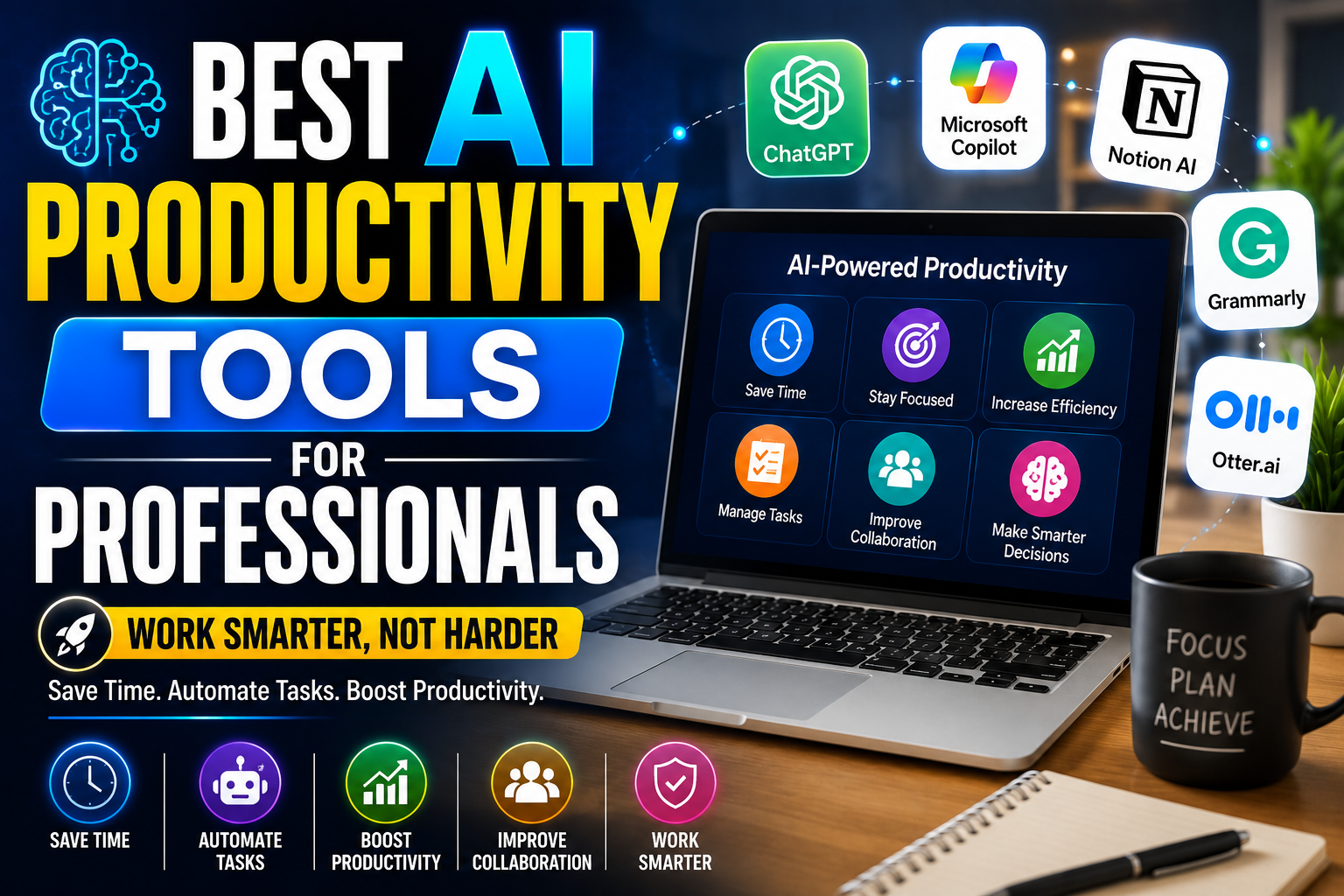
Artificial Intelligence (AI) has become an essential part of the modern workplace. Professionals across industries are using AI-powered productivity tools to automate repetitive tasks, improve communication, manage projects, and make smarter decisions. Whether you are a freelancer, business owner, marketer, developer, designer, or corporate employee, AI tools can help you work faster and more efficiently.
In today’s competitive environment, productivity is more important than ever. AI productivity tools not only save valuable time but also reduce manual effort, improve accuracy, and allow professionals to focus on high-value tasks. From writing emails and summarizing meetings to organizing schedules and generating reports, AI is transforming the way people work.
In this article, we’ll explore the best AI productivity tools for professionals, their key features, benefits, and how to choose the right tool for your workflow.
What Are AI Productivity Tools?
AI productivity tools are software applications that use artificial intelligence to automate tasks, analyze data, and improve workplace efficiency. These tools help professionals complete their daily work more quickly while reducing errors and increasing productivity.
AI-powered software can assist with writing, scheduling, project management, research, communication, and much more.
Why Professionals Use AI Productivity Tools
Modern workplaces require employees to manage multiple tasks every day. AI tools simplify complex workflows and help professionals stay organized.
Key Benefits
- Save valuable time
- Automate repetitive tasks
- Improve communication
- Increase workplace efficiency
- Reduce human errors
- Improve decision-making
- Enhance collaboration
- Boost overall productivity
By using AI tools effectively, professionals can complete more work in less time while maintaining high-quality results.
1. ChatGPT
ChatGPT is one of the most popular AI productivity tools available today. It helps professionals write content, generate ideas, summarize information, create reports, and solve technical problems.
Key Features
- Content writing
- Email drafting
- Brainstorming ideas
- Code assistance
- Document summarization
- Research support
Best For
- Writers
- Marketers
- Developers
- Students
- Business professionals
2. Microsoft Copilot
Microsoft Copilot integrates with Microsoft Office applications to improve workplace productivity.
Features
- AI-powered document creation
- Excel data analysis
- PowerPoint presentation generation
- Outlook email assistance
- Teams meeting summaries
Professionals using Microsoft 365 can significantly improve their workflow with AI-powered automation.
3. Notion AI
Notion AI combines note-taking, project management, and AI assistance into one platform.
Benefits
- Meeting notes
- Task organization
- AI summaries
- Content generation
- Knowledge management
It is especially useful for remote teams and project managers.
4. Grammarly
Grammarly helps professionals improve grammar, spelling, tone, and clarity in business communication.
Features
- Grammar correction
- Tone suggestions
- AI rewriting
- Email improvement
- Readability analysis
Professional communication becomes clearer and more effective with AI-powered writing assistance.
5. Otter.ai
Otter.ai automatically records and transcribes meetings.
Key Features
- Live transcription
- Meeting summaries
- Speaker identification
- Searchable notes
- Team collaboration
This tool saves professionals hours of manual note-taking every week.
6. Trello with AI
AI-powered project management tools help teams organize work more efficiently.
Features
- Task automation
- Smart scheduling
- Workflow optimization
- Team collaboration
- Progress tracking
AI simplifies project management by reducing repetitive administrative tasks.
7. Canva AI
Canva AI allows professionals to create presentations, marketing materials, and social media graphics quickly.
Benefits
- AI image generation
- Presentation design
- Marketing templates
- Social media content
- Brand management
Professionals can produce high-quality visuals without advanced graphic design skills.
8. Zapier AI Automation
Zapier connects different business applications and automates repetitive workflows.
Examples include:
- Email automation
- Lead management
- CRM updates
- File transfers
- Notification systems
- Business reporting
Automation improves productivity while reducing manual work.
How to Choose the Best AI Productivity Tool
Every professional has different requirements. Consider these factors before selecting an AI productivity tool.
Ease of Use
Choose software with an intuitive interface and simple navigation.
Integration
Ensure the tool works with applications you already use.
Security
Business data should be protected with strong privacy and security features.
Automation Features
Look for tools that eliminate repetitive manual work.
Cost
Compare free and premium plans to find the best value for your needs.
Benefits of AI Productivity Tools
Organizations and professionals gain several advantages from AI-powered software.
Better Time Management
Automation reduces time spent on repetitive activities.
Improved Accuracy
AI minimizes human errors in writing, reporting, and data processing.
Enhanced Collaboration
Teams can communicate and collaborate more efficiently.
Increased Productivity
Professionals complete more work without increasing workload.
Better Decision-Making
AI analyzes information quickly and provides valuable insights.
Tips for Using AI Productivity Tools Effectively
To maximize productivity, follow these best practices:
- Automate repetitive tasks.
- Review AI-generated content before publishing.
- Use AI for brainstorming and planning.
- Integrate AI tools with your existing workflow.
- Keep software updated.
- Protect sensitive business information.
AI should support your expertise, not replace your critical thinking.
Frequently Asked Questions
What are AI productivity tools?
AI productivity tools use artificial intelligence to automate tasks, improve efficiency, and help professionals manage their daily work more effectively.
Which AI productivity tool is best?
Popular options include ChatGPT, Microsoft Copilot, Notion AI, Grammarly, Otter.ai, Canva AI, and Zapier AI. The best choice depends on your specific workflow and business needs.
Are AI productivity tools free?
Many AI tools offer free versions with basic features, while premium plans provide advanced capabilities and higher usage limits.
Can AI improve workplace productivity?
Yes. AI reduces manual work, improves collaboration, increases efficiency, and allows professionals to focus on strategic tasks.
Conclusion
AI productivity tools are transforming the modern workplace by helping professionals work smarter instead of harder. Whether you need assistance with writing, project management, communication, automation, or design, AI-powered software can significantly improve efficiency and save valuable time.
By selecting the right AI productivity tools and integrating them into your daily workflow, professionals can increase productivity, reduce repetitive work, and achieve better business outcomes. As AI technology continues to evolve, these tools will become even more powerful, making them an essential part of every professional’s toolkit.