
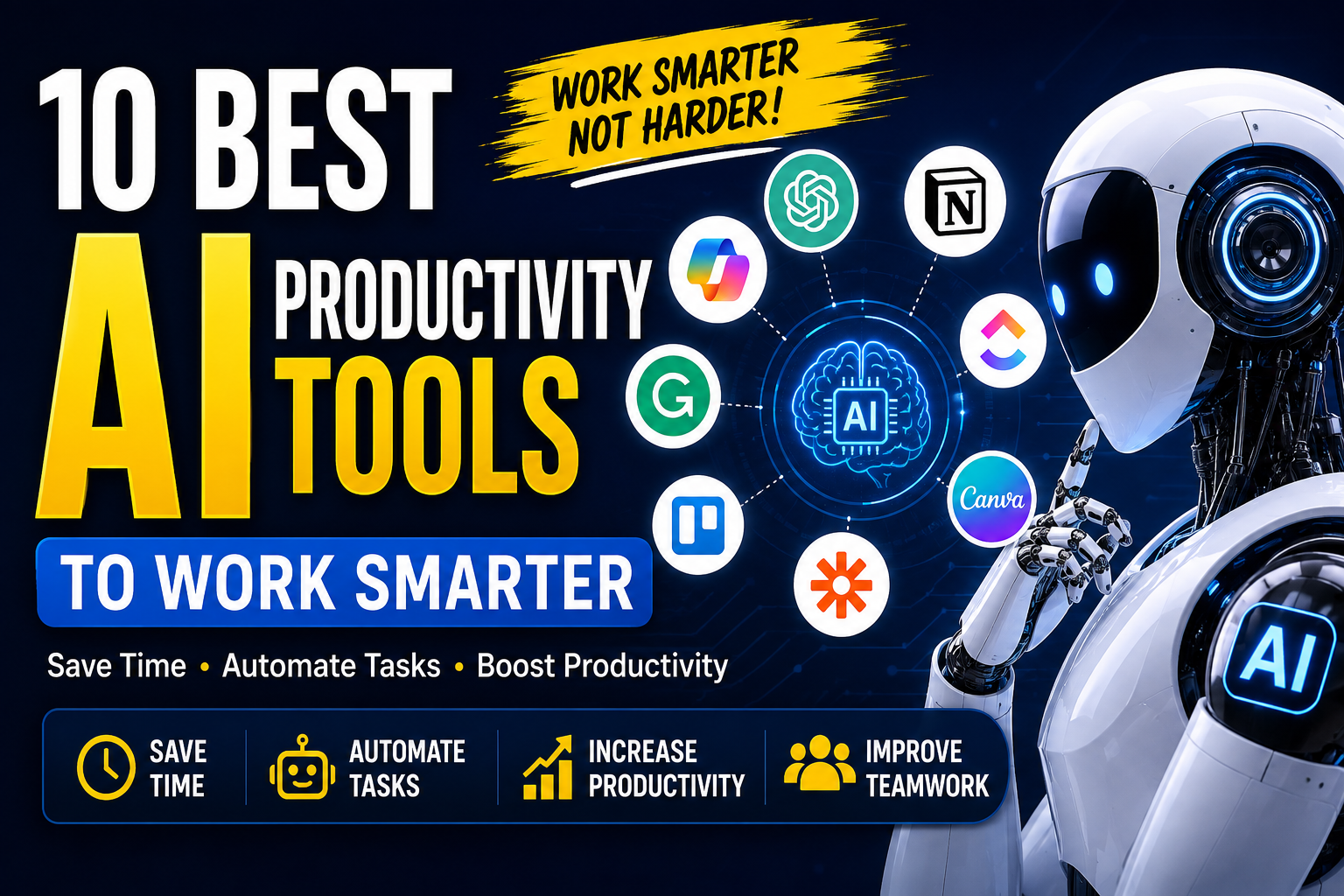
Best Tools to Work Smarter
Introduction
In today’s fast-moving digital world, professionals and businesses need to manage more tasks in less time. From writing emails and creating content to organizing meetings and analyzing information, many everyday activities can consume valuable hours. AI productivity tools help solve this problem by using artificial intelligence to automate repetitive work, organize information, and support better decision-making.
Instead of replacing human creativity and judgment, these tools can work as digital assistants. They can help users complete routine tasks faster, reduce manual effort, and focus on more important responsibilities.
Whether you are a business owner, freelancer, student, marketer, developer, or remote worker, using the right AI productivity software can improve your daily workflow. In this guide, we will explore some of the most useful AI tools for productivity and explain how they can help individuals and businesses work smarter.
What Are AI Productivity Tools?
AI productivity tools are software applications that use artificial intelligence to help users complete tasks more efficiently. They can understand text, generate content, summarize information, analyze data, organize tasks, and automate different workflows.
Traditional productivity software usually requires users to perform most actions manually. AI-powered tools can take additional steps by analyzing information and providing automated assistance.
For example, an AI assistant can summarize a long document, generate an email draft, create a content outline, or turn meeting discussions into organized notes.
Why Are AI Productivity Tools Becoming Popular?
Businesses and individuals are adopting AI tools because they can help reduce repetitive work and improve efficiency.
Some common benefits include:
- Saving time on routine tasks
- Automating repetitive processes
- Improving content creation
- Organizing information
- Supporting better communication
- Helping with research and analysis
- Improving project management
- Reducing manual errors
The goal is not simply to use more technology. The goal is to use technology where it provides real value.
10 Best AI Productivity Tools
There are many AI-powered applications available today, and each one focuses on different productivity needs. The following categories represent some of the most useful ways AI can support modern workflows.
1. ChatGPT for Everyday Productivity
ChatGPT can be used as a general-purpose AI assistant for a wide range of productivity tasks. Users can ask it to create drafts, summarize information, brainstorm ideas, explain complex topics, organize plans, and generate structured content.
For professionals, it can help prepare emails, meeting agendas, reports, proposals, and content ideas.
Best Uses
- Brainstorming
- Writing and editing
- Research assistance
- Summarizing information
- Creating outlines
- Generating ideas
- Learning new concepts
The most useful results usually come when users provide clear instructions and enough context.
2. Microsoft Copilot for Work
Microsoft Copilot brings AI assistance into Microsoft’s productivity ecosystem. It can support users while working with documents, emails, presentations, and other business tasks.
For organizations already using Microsoft products, AI assistance can make everyday workflows more efficient.
Best Uses
- Drafting documents
- Creating presentation content
- Email assistance
- Summarizing information
- Workplace productivity
AI assistance can reduce the amount of time spent on repetitive office tasks while allowing employees to focus on higher-value work.
3. Google Gemini for Research and Assistance
Google Gemini can help users with writing, brainstorming, research, and general information-processing tasks.
It can be particularly useful for people who already work within Google’s digital ecosystem and need AI assistance for everyday activities.
Best Uses
- Research
- Brainstorming
- Writing assistance
- Summarization
- Idea generation
When using AI for research, users should still verify important information before publishing or making business decisions.
4. Notion AI for Organization
Notion combines notes, databases, documents, and project organization in one workspace. Its AI features can help users summarize content, improve writing, generate ideas, and work with information stored in their workspace.
This makes it useful for teams that want to keep their knowledge and projects organized.
Best Uses
- Meeting notes
- Project documentation
- Content planning
- Summarization
- Knowledge management
For teams, keeping information organized can make collaboration easier and reduce the time spent searching for important details.
5. Grammarly for Writing Productivity
Writing clear and professional communication is important for almost every business. Grammarly uses AI-powered features to help users improve writing, grammar, clarity, tone, and overall communication.
It can be useful when preparing emails, website content, reports, social media posts, and business documents.
Best Uses
- Grammar checking
- Writing improvement
- Professional communication
- Tone suggestions
- Content editing
AI writing assistance is most effective when the user reviews the suggestions and keeps their own voice and message.
6. Canva AI for Content Creation
Visual content is an important part of modern marketing. Canva provides AI-powered features that can help users generate and edit visual content more efficiently.
Businesses can use these capabilities to create social media graphics, presentations, promotional materials, and other marketing assets.
Best Uses
- Social media designs
- Presentations
- Marketing graphics
- Visual content
- Brand materials
For small businesses without a dedicated design team, AI-assisted design can make content creation faster and more accessible.
7. ClickUp for AI-Assisted Project Management
Project management can involve many repetitive activities, including creating task descriptions, organizing projects, summarizing information, and communicating updates.
ClickUp’s AI features can support these activities and help teams manage their work more efficiently.
Best Uses
- Task management
- Project planning
- Team collaboration
- Task summaries
- Workflow organization
AI can assist project managers, but human decision-making remains important when setting priorities and managing teams.
8. Otter.ai for Meeting Productivity
Meetings can contain valuable information, but remembering every discussion point can be difficult. AI meeting tools can help capture conversations, generate transcripts, and summarize important points.
This can save employees from manually writing extensive meeting notes.
Best Uses
- Meeting transcription
- Meeting summaries
- Action items
- Discussion records
- Remote collaboration
After a meeting, teams can use summaries to identify responsibilities and follow-up tasks more quickly.
9. Zapier for Workflow Automation
Many businesses use multiple applications every day. Moving information manually between these applications can consume significant time.
Zapier helps connect different applications and automate workflows. AI-powered capabilities can make these automated processes more intelligent and easier to manage.
Best Uses
- Workflow automation
- Connecting applications
- Repetitive task automation
- Lead management
- Business processes
Automation is particularly valuable when the same task has to be repeated frequently.
10. Trello for Task Organization
Trello is widely used for organizing tasks and projects through boards, lists, and cards. AI-assisted productivity features can help users manage and organize their work more efficiently.
It can be useful for individuals as well as teams that want a simple visual approach to task management.
Best Uses
- Task organization
- Project planning
- Team collaboration
- Content calendars
- Workflow tracking
A well-organized task system combined with AI assistance can help teams maintain better visibility over their work.
How AI Productivity Tools Help Businesses
Businesses can use AI productivity tools across many departments. The biggest opportunity is often found in repetitive tasks that do not require constant human decision-making.
For example, a marketing team can use AI to brainstorm content ideas and prepare initial drafts. A customer support team can use AI to organize customer information and prepare responses. Managers can use AI to summarize reports and meetings.
Common Business Applications
Marketing: AI can support content ideas, research, editing, and campaign planning.
Customer Support: AI can assist with response drafts, knowledge management, and repetitive customer queries.
Human Resources: AI can help organize documents, create job descriptions, and summarize information.
Sales: AI can assist with email drafts, lead research, and sales documentation.
Project Management: AI can help summarize meetings, organize tasks, and prepare project updates.
The key is to identify processes where AI can save time without compromising quality or security.
Benefits of Using AI Tools for Productivity
1. Saves Time
One of the biggest advantages of AI productivity tools is time savings. Tasks that previously required significant manual effort can often be completed faster with AI assistance.
2. Reduces Repetitive Work
Employees can spend less time on repetitive activities and more time on creative and strategic work.
3. Improves Organization
AI can help summarize documents, organize information, and structure tasks, making large amounts of information easier to manage.
4. Supports Better Communication
AI writing tools can help improve clarity, grammar, and tone in professional communication.
5. Helps Small Businesses
Small businesses often have limited staff and resources. AI tools can provide additional assistance without requiring a large team for every task.
How to Choose the Right AI Productivity Tool
With so many options available, businesses should not choose a tool simply because it is popular. The right solution depends on the specific workflow and requirements.
Consider the following factors before choosing an AI productivity tool:
- What problem does the tool solve?
- Does it integrate with your existing software?
- Is it easy for employees to use?
- Does it provide sufficient security and privacy controls?
- Is the pricing suitable for your budget?
- Can the tool scale as your business grows?
- Does it actually save time?
Start with one specific workflow and measure the results before introducing AI across an entire organization.
Best Practices for Using AI Productivity Tools
AI can improve productivity, but users should apply it responsibly.
Give Clear Instructions
AI systems generally produce better results when users provide specific instructions, context, and desired output formats.
Review AI-Generated Content
Do not automatically publish or send AI-generated content without reviewing it. Human review helps identify incorrect information, inappropriate wording, or missing context.
Protect Sensitive Information
Avoid entering confidential business information, passwords, financial information, or sensitive customer data into an AI tool unless the service and organizational policies explicitly support that use.
Combine AI With Human Skills
AI should support human expertise rather than completely replace critical thinking. The best results usually come from combining automation with human judgment.
The Future of AI Productivity
AI productivity software is becoming an increasingly important part of modern digital work. As AI capabilities continue to improve, these tools are likely to become more deeply integrated into business applications, communication platforms, project management systems, and creative workflows.
However, productivity is not simply about completing more tasks. Effective productivity means spending time on the tasks that create the most value.
Organizations that strategically introduce AI can potentially reduce repetitive work while giving employees more time for creativity, problem-solving, and decision-making.
Frequently Asked Questions
What are AI productivity tools?
AI productivity tools are applications that use artificial intelligence to help users automate tasks, organize information, create content, and complete work more efficiently.
What are the best AI productivity tools?
The best tool depends on your needs. General AI assistants, writing tools, project management platforms, meeting assistants, and workflow automation tools can all improve productivity in different ways.
Can AI productivity tools help small businesses?
Yes. Small businesses can use AI tools for content creation, communication, project management, research, customer support, and workflow automation.
Are AI productivity tools difficult to use?
Many modern AI tools are designed for general users and require little technical knowledge. However, learning how to write clear instructions and review AI output can improve results.
Should businesses completely rely on AI?
No. AI should be treated as an assistant rather than a complete replacement for human expertise. Important information and business decisions should still receive appropriate human review.
Conclusion
AI productivity tools are changing the way individuals and businesses approach everyday work. From writing and research to project management, meetings, design, and workflow automation, AI can reduce repetitive tasks and help people use their time more effectively.
The best approach is not to adopt every available AI tool. Instead, identify the tasks that consume the most time and choose tools that solve those specific problems. Start small, measure the results, protect sensitive information, and keep human judgment involved.
When used strategically, AI productivity software can become a valuable part of a modern workflow and help professionals and businesses work smarter, save time, and focus on higher-value tasks.